Pinterest Carousel Pin Maker: Design & Schedule to Your Boards
Design Pinterest carousel Pins with AI or by hand in a freeform drag-and-drop editor, on your brand kit, then publish them to your Pinterest boards with a Pin title and a link back to your site.
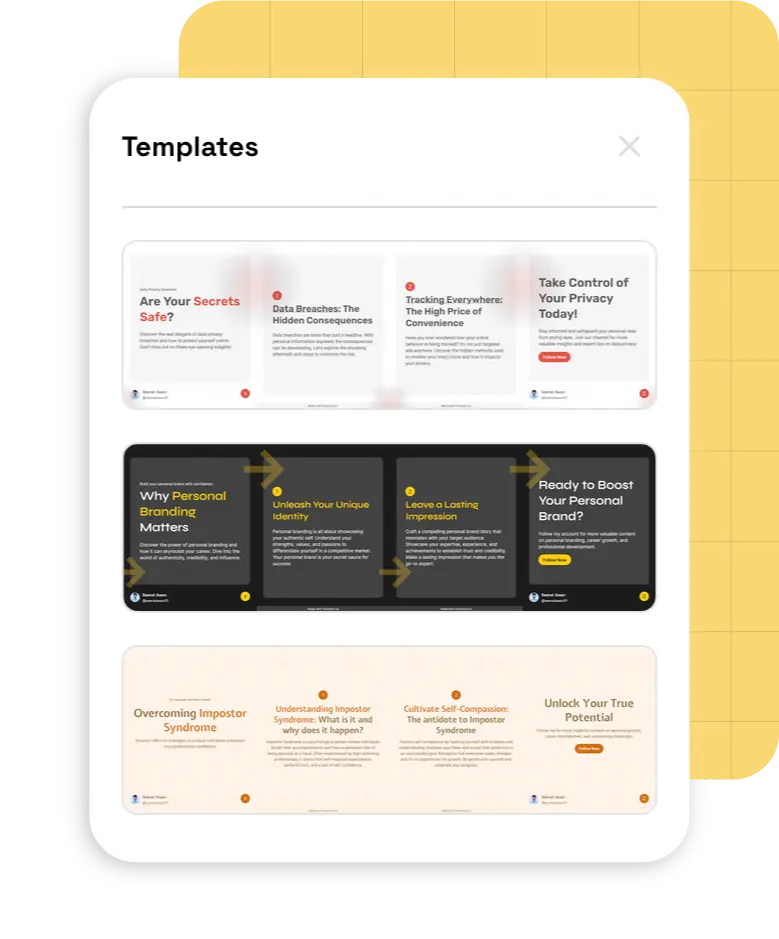
84,000+ creators design social posts with PostNitro.
Design Your Pinterest Carousel2:3 Pin size | 2 to 5 slides | Publishes to Pinterest boards
Why Post Carousel Pins on Pinterest
A carousel Pin holds two to five images that people swipe through, with one title, one description and one link. It is a regular Pin on your board, so it can be saved and found like any other Pin.
Step-by-Step Pins
- Tutorials and how-tos, one step per slide
- Recipes, routines and checklists
- Before-and-afters
Product Pins
- Several angles or variants in one Pin
- One feature per slide
- A link straight to the product page
Perfect For
- Blog posts turned into slides
- Guides and roundups
- Lookbooks and collections
- Reusing your Instagram decks
What Makes a Carousel Pin Work
A Strong First Slide
The first slide is what people see before they swipe, so make it work on its own.
Consistent Branding
Your fonts, colours and logo on every slide, so your boards look like one brand.
A Clear Title and Link
Give the Pin a title and send it to the page you want people to visit.
Design Once, Post Everywhere
The same deck publishes to Instagram, LinkedIn, TikTok, Threads and Facebook too.
Design and Schedule Pinterest Carousels in Minutes
Sized for Pinterest
Designs that fit the formats Pinterest accepts.
- The 2:3 Pin Size1000 × 1500 (2:3) is recommended; any PostNitro size except ultra-wide works too.
- 2 to 5 SlidesCarousel Pins take 2 to 5 slides, so keep the deck tight.
- Video Pins from the Same DeckExport the slides as an animated MP4 and post it as a video Pin.

Design Tools
The same editor and brand kits as every PostNitro post.
- Brand KitsYour fonts, colours and logo applied to every slide.
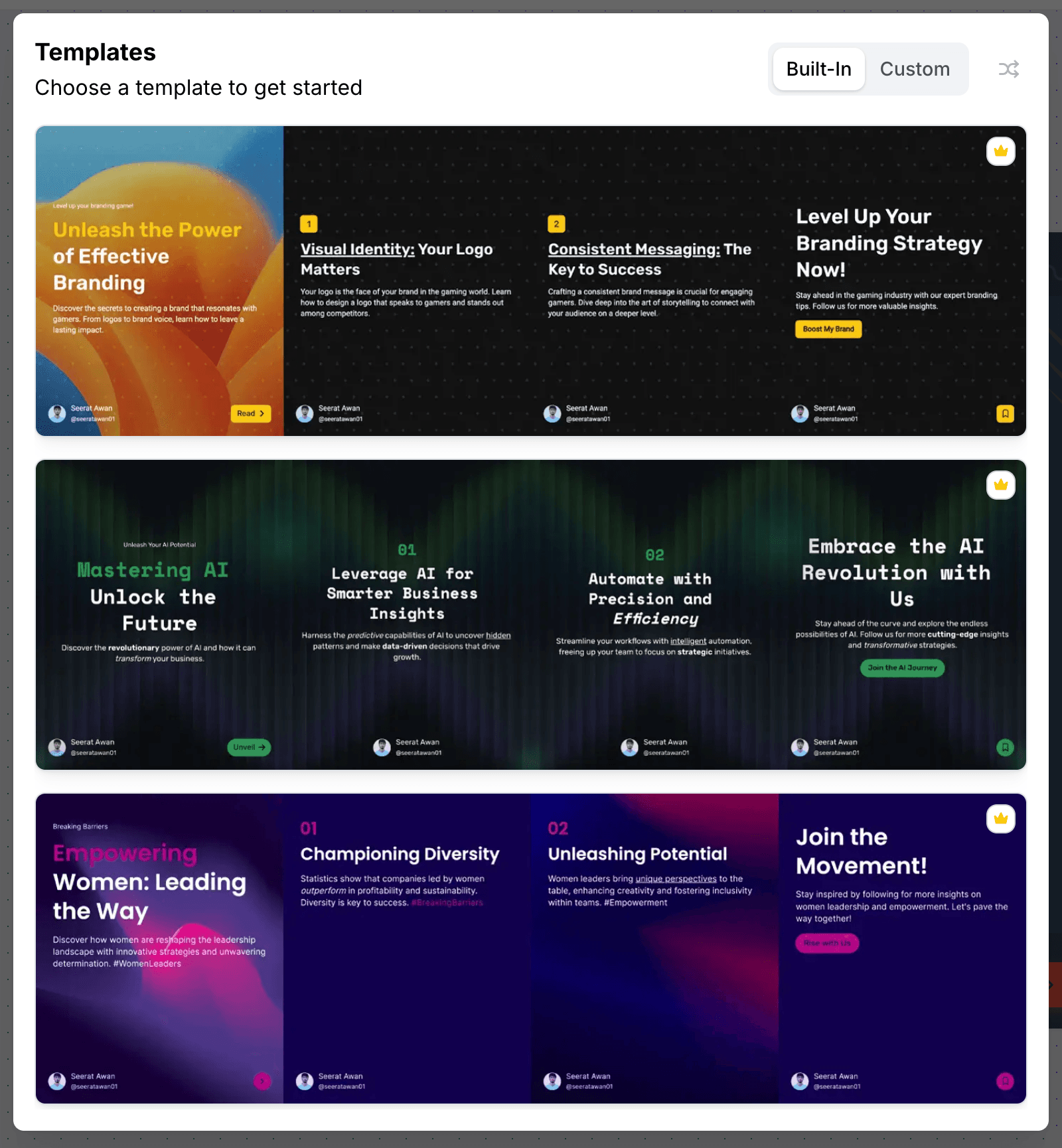
- Templates100+ templates, restyled by your brand kit.
- Freeform EditorDrag, resize and layer anything, and let an image run across two slides.
AI-Assisted Creation
Let AI draft the deck, then finish it by hand.
- From a Topic or a LinkTurn a topic, an article URL or an X thread into a carousel.
- A Layout per SlideInfographic columns, counters and cycles where a sentence will not carry it.
- Finish by HandEvery AI deck opens in the freeform editor, ready to adjust before you pin it.

Publishing
Straight to your Pinterest boards, on schedule.
- Auto-Publish to BoardsSchedule to the Pinterest boards you connect, from Creator+.
- Title and Destination LinkAn optional Pin title of up to 100 characters and a link to your site.
- Captions per NetworkOne description for Pinterest, another caption for Instagram or LinkedIn.
Pinterest Carousel Pin Specs
| Carousel Pin | 2 to 5 slides in one Pin, published to the board you choose |
|---|---|
| Recommended size | 1000 × 1500 px (2:3). Other PostNitro sizes are accepted too, except ultra-wide (wider than 21:9) |
| Pin title | Optional, up to 100 characters |
| Description | Your caption, up to 800 characters |
| Destination link | Optional: the http(s) URL the Pin opens |
| Slides per carousel in PostNitro | 5 on Free, 8 on Starter, 15 on Creator+, 20 on Team+ |
| Publishing | Scheduled to Pinterest boards from Creator+ ($30/month). On any plan, you can download the slides as PNGs |
How to Post a Carousel on Pinterest with PostNitro
- Design the carousel. Start from a topic, a link or your own text; AI lays out the slides on your brand kit, and you finish them in the freeform editor.
- Add the Pin details. Choose a board, add an optional title and destination link, and write the description.
- Schedule it to your board. Pick the time and PostNitro publishes it to your Pinterest board from Creator+. Or download the slides and post them yourself.
Pinterest Carousel FAQ
The editor
A design tool built for one shape
Not a general canvas with a carousel preset bolted on. The editor is built around the 4:5 slide sequence — templates, curated font pairings, brand-kit colours and your own images, with the platform safe zones already accounted for.
From a blank slide to a scheduled post without leaving the editor.
Open the editor