Facebook轮播帖子制作工具
Facebook轮播帖子制作工具:设计并安排发布到您的主页
使用 AI 或在自由拖放编辑器中手动设计 Facebook 轮播帖子,在您的品牌工具包中,然后将其作为多图帖子或带有按钮的链接轮播发布到您的 Facebook 页面。
84,000 + 创作者使用PostNitro设计社交帖子。
设计你的 Facebook 轮播图1:1 和 4:5 尺寸 | 多图轮播和链接轮播 | 发布到 Facebook 页面
两种类型的 Facebook 轮播图
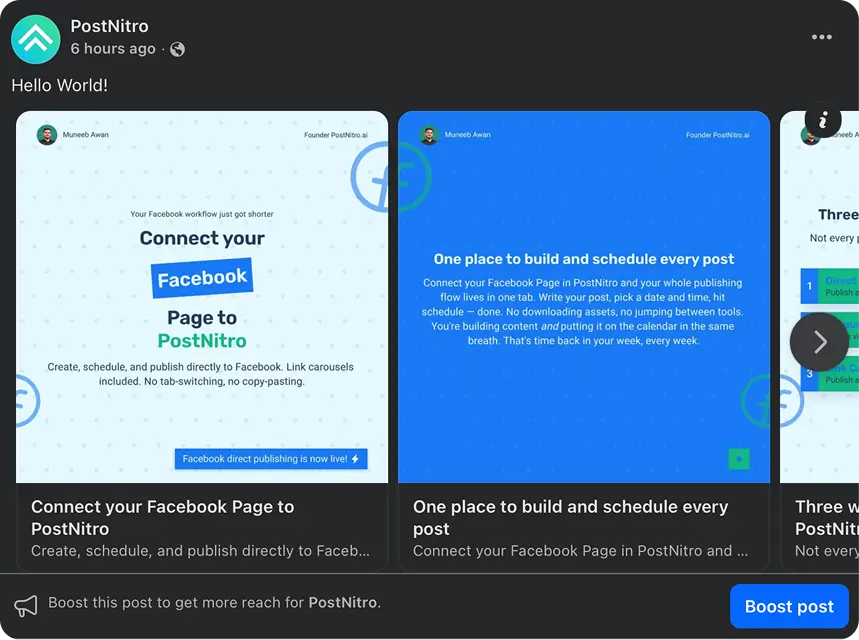
Facebook主页可以通过两种方式发布轮播图,这两种方式都属于普通帖子,而非广告。多图帖子会将所有图片放在一个帖子中。链接轮播图则会将图片变成可滑动的卡片,每张卡片都链接到您的网站,并可选择添加一个按钮。
多图帖子
- 一篇帖子中的所有幻灯片
- 教程、技巧和前后对比图
- 正方形或4:5竖屏
链接轮播图
- 可滑动卡片,每张卡片都链接到您的网址
- 可选按钮,例如“了解更多”或“立即购买”
- 如果需要,可以将幻灯片标题设置为卡片标题。
非常适合
- 产品和功能展示
- 博客文章转换成幻灯片
- 优惠和新品发布
- 重复利用你的 Instagram 素材
是什么让 Facebook 轮播图发挥作用
每张幻灯片一个要点
在信息流密集的地方,可以用简短的幻灯片一目了然地阅读。
一致的品牌形象
在每张幻灯片上使用您的字体、颜色和徽标,使页面看起来像一个统一的品牌。
明确的下一步
最后添加一个说明操作步骤的幻灯片,或者在链接轮播图中添加一个按钮。
设计一次,发布到任何地方
同一套演示文稿也可以发布到 Instagram、LinkedIn、TikTok 和 Threads 等平台。
几分钟内即可设计和安排 Facebook 轮播图
专为 Facebook 设计
符合 Facebook 页面接受格式的设计。
- 饲料级规格1080 × 1080 (1:1) 或 1080 × 1350 (4:5);16:9 和 9:16 也适用。
- 你需要的幻灯片数量Team+版本每个轮播图最多可包含 20 张幻灯片(免费版 5 张,入门版 8 张, Creator+版 15 张);链接轮播图可包含 2 到 10 张卡片。
- 同一副牌的卷轴将幻灯片导出为带有您自己的音频的动画 MP4 文件,并将其作为 Reel 发布。
画布尺寸
设计工具
与所有PostNitro文章一样,使用相同的编辑和品牌素材包。
- 品牌套装您的字体、颜色和徽标将应用于每张幻灯片。
- 模板100 多个模板,可根据您的品牌工具包进行重新设计。
- 自由格式编辑器拖动、调整大小和叠加任何内容,并让图像跨越两个幻灯片。
模板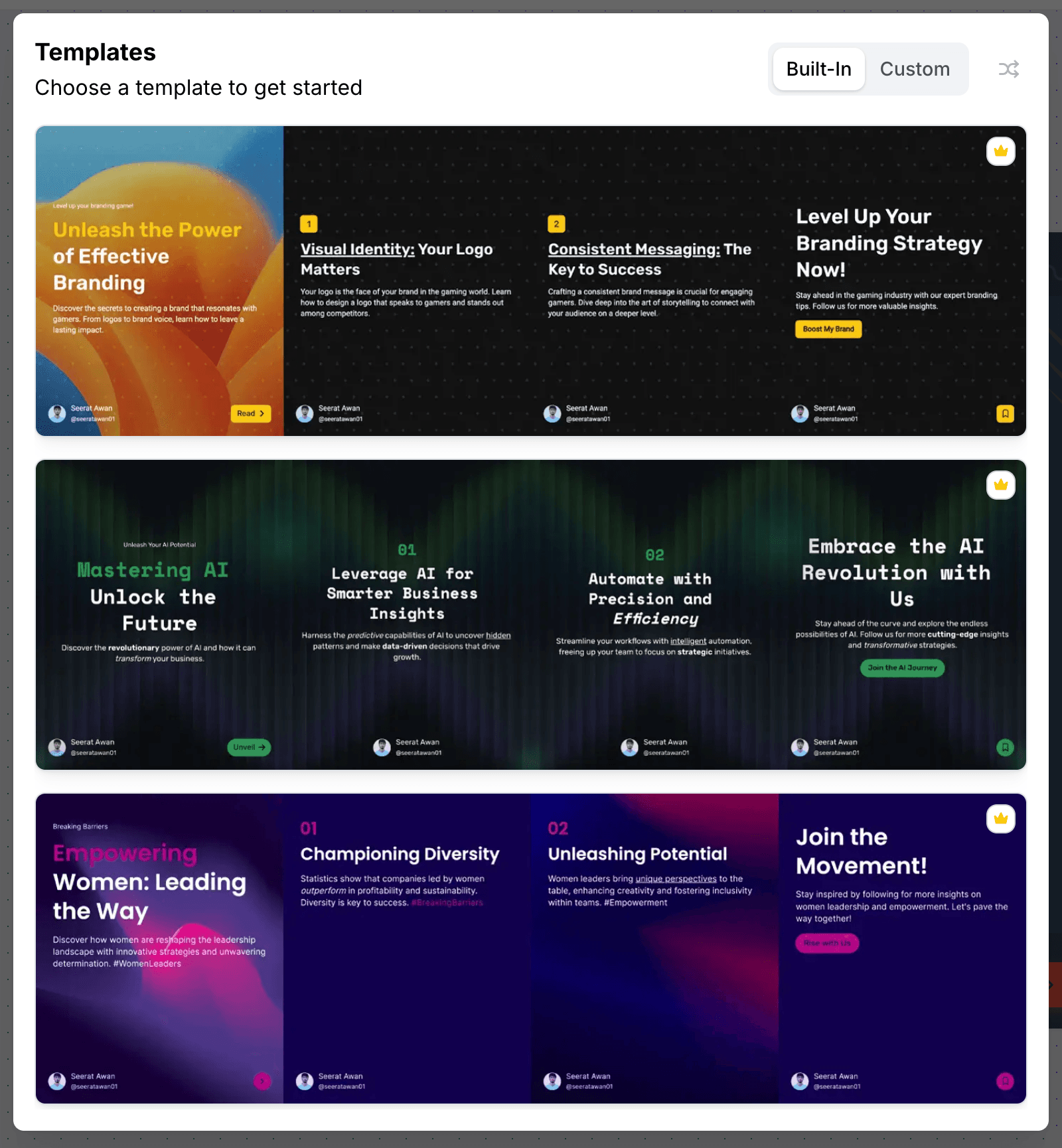
人工智能辅助创作
让AI设计牌组,然后手动完善。
- 来自主题或链接将主题、文章 URL 或 X 主题帖转换为轮播图。
- 卡片标题AI 可以生成幻灯片标题,您可以将其用作链接轮播图的标题。
- 每张幻灯片一个布局信息图表中的列、计数器和循环,一句话无法表达清楚。
人工智能生成
出版
直接发送到您的 Facebook 页面,按时发布。
- 自动发布到 Pages使用Creator+为您管理的 Facebook 页面安排日程。
- 链接轮播图上的按钮了解更多、立即购买、注册等等,以及 Facebook 的结束卡片。
- 每个网络的字幕Facebook 用一条标题,Instagram 或 LinkedIn 用另一条标题。
工作区
Facebook轮播图规格
| 多图帖子 | 您页面上的每篇文章中的所有幻灯片 |
|---|---|
| 链接轮播 | 2 到 10 张可滑动卡片,每张卡片链接到一个网址;Facebook 最多显示 5 张卡片并选择显示哪些网址。可选按钮和结束卡片。 |
| 推荐尺寸 | 可接受 1080 × 1080 像素 (1:1) 或 1080 × 1350 像素 (4:5)。也接受 1920 × 1080 (16:9) 和 1080 × 1920 (9:16) 的分辨率。 |
| PostNitro中每个轮播的幻灯片 | 免费版使用5 ,入门版使用8 , Creator+版使用15 , Team+使用20 |
| 出版 | 可安排在 Facebook 公共主页上发布,套餐价格为Creator+美元/月( 30美元/月)。仅限公共主页,不适用于个人主页。所有套餐均支持下载 PNG 格式的幻灯片。 |
| 自定义卡片图片 | Facebook 只会在链接轮播图中显示您企业已在 Meta Business Settings 中验证过的域名链接中的名片图片。 |
如何使用PostNitro在 Facebook 上发布轮播图
- 设计旋转木马. 从主题、链接或您自己的文本开始;AI 会根据您的品牌素材包排版幻灯片,然后您可以在自由编辑器中完成它们。
- 选择帖子类型. 一篇多图帖子,或者一个包含您的网址和可选按钮的链接轮播图。
- 将其安排到您的页面. 选择时间, PostNitro会通过Creator+将内容发布到您的 Facebook 主页。或者,您也可以下载幻灯片并自行发布。
Facebook 轮播图常见问题解答
是的。Facebook主页可以发布多图轮播(所有图片都放在一个帖子中)或链接轮播(可滑动的卡片,每张卡片都链接到一个网址,还可以选择添加按钮)。这两种形式都是普通帖子,并非广告。
编辑
一款专为单一形状而设计的工具
这并非一个简单地套用预设轮播图的通用画布。编辑器围绕 4:5 的幻灯片序列构建——模板、精选字体搭配、品牌配色以及您自己的图片,并已充分考虑平台的安全区域。
无需离开编辑器,即可将空白幻灯片转换为预定发布内容。
打开编辑器