Instagram Carousel Maker for Multi-Image Posts
Design Instagram carousels at 1080×1350 or 1080×1080 with AI or by hand in a freeform drag-and-drop editor, on your brand kit, then publish them straight to your feed.
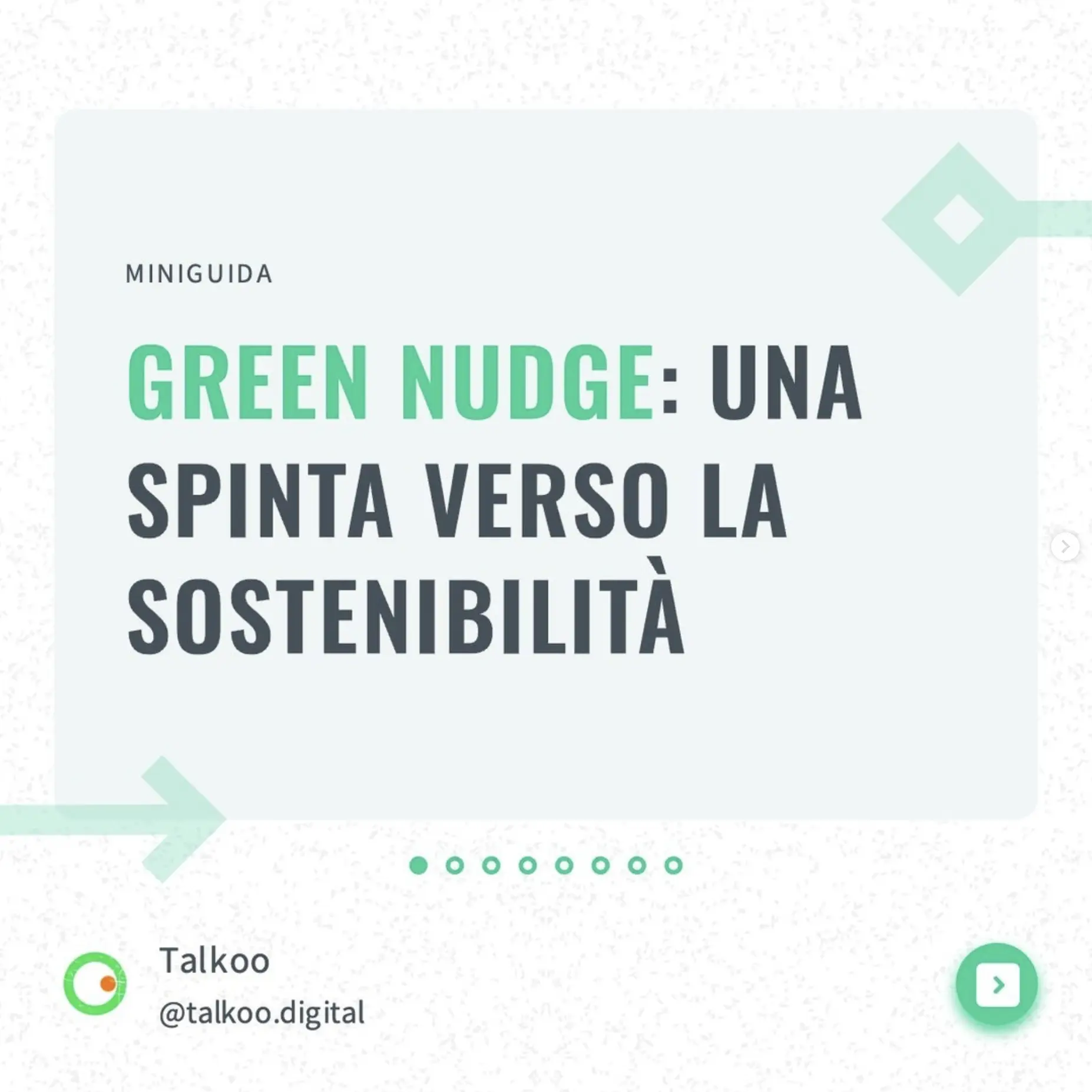
84,000+ creators and brands trust PostNitro for creating high-performing Instagram carousels.
Create Your Instagram Carousel Post4:5 and 1:1 sizes | Templates for tutorials and showcases | Publishes to feed and story
Why Creators Post Carousels on Instagram
A carousel lets one post carry a whole tutorial, a before-and-after or a product walkthrough. People swipe through it rather than scrolling past, and useful carousels get saved.
What a Carousel Gives You
- Several slides in one post, so one idea gets room to land
- A swipe-through format that pulls people to the last slide
- Reference content people save and return to
Where It Fits Your Pipeline
- Turn a blog post, a URL or an X thread into slides
- Reuse the same deck on LinkedIn, TikTok, Threads, Facebook and Pinterest
- Post to your feed and your story at the same time
Perfect For
- Step-by-step tutorials
- Before & after transformations
- Product feature highlights
- Educational content series
What Makes an Instagram Carousel Work
Optimized Dimensions
Create carousel posts in perfect 1:1 square or 4:5 portrait ratios that maximize screen space.
Save-Worthy Content
Design educational carousels that followers want to save and reference.
Professional Look
Maintain consistent brand quality across all carousel slides.
Engagement Focus
Create swipeable content that keeps followers engaged to the last slide.
Create Engaging Instagram Carousels in Minutes
Instagram-Optimized Design
Create carousel posts perfectly sized for Instagram's feed and dimensions.
- Multiple Aspect RatiosChoose between 1080x1080 square or 1080x1350 portrait formats.
- Multi-Slide SupportUp to 20 slides per carousel on Team+ (5 on Free, 8 on Starter, 15 on Creator+).
- Carousel PreviewSee how your carousel will appear in the Instagram feed.

Professional Design Tools
Access design features built for creating educational and promotional carousels.
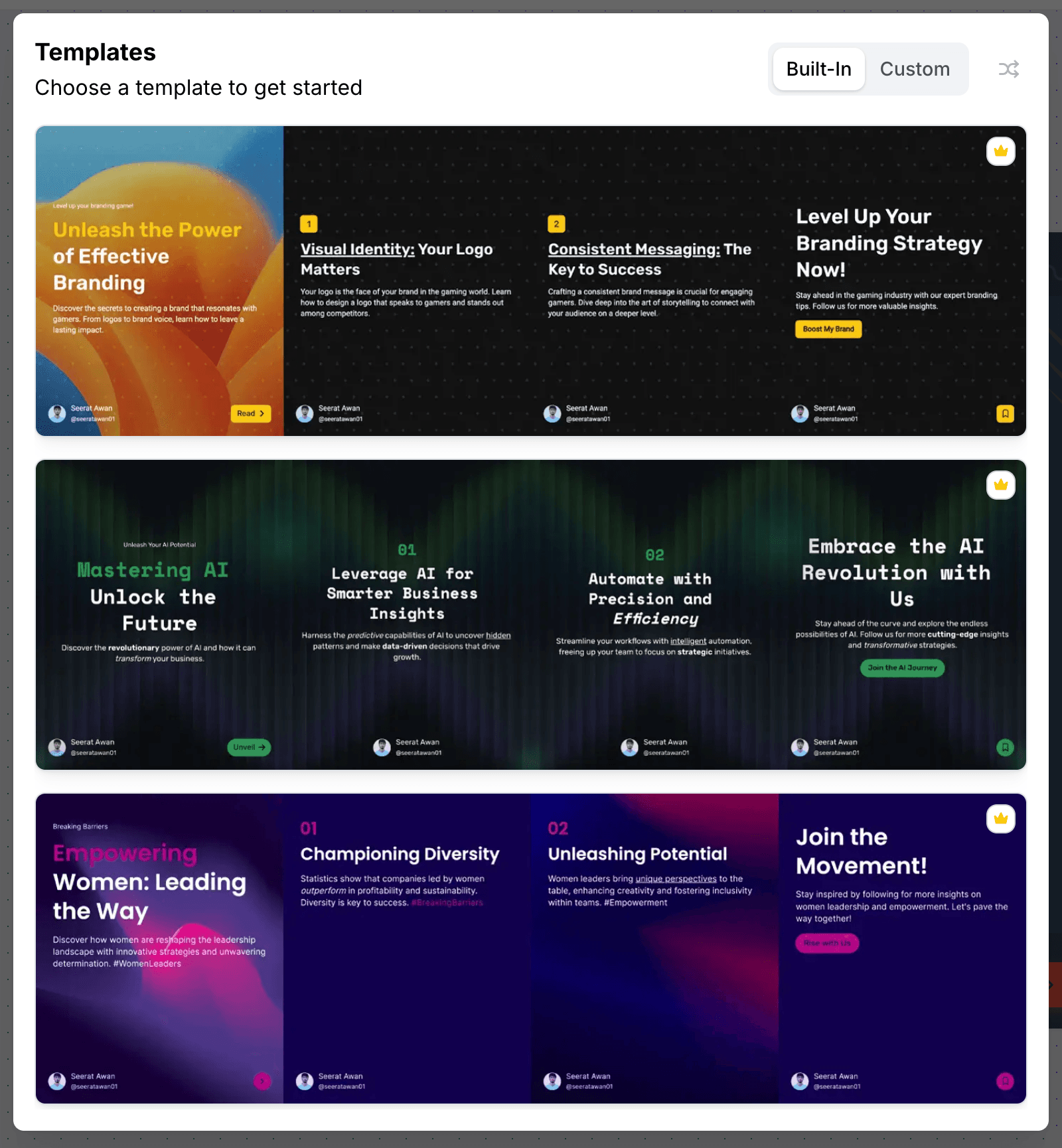
- Tutorial TemplatesReady-to-use layouts for step-by-step guides and how-tos.
- Brand ElementsAdd consistent colors, fonts, and logos across all slides.
- Layouts and Call-OutsInfographic columns, counters, cycles and call-out elements for the slides where a paragraph will not carry it.
AI-Enhanced Creation
Let AI help create educational and promotional carousel content.
- Content StructureGenerate properly structured tutorials and storytelling flows.
- Caption GenerationCreate engaging carousel descriptions and strategic hashtags.
- Freeform EditorDrag, resize and layer anything, and let an image run across two slides for a seamless swipe.

Content Strategy
Plan and create carousel content that educates and converts.
- Manage TeamsShare access to workspaces to collaborate on content.
- Design StorageSave your best-performing carousel templates for reuse.
- Instant ExportDownload in Instagram-ready format with correct dimensions.
Instagram Carousel Specs
| Format | A carousel post: several images or videos in one post |
|---|---|
| Recommended size | 1080 × 1350 px (4:5 portrait) or 1080 × 1080 px (1:1). Every slide in a carousel uses the same ratio |
| Slides per carousel in PostNitro | 5 on Free, 8 on Starter, 15 on Creator+, 20 on Team+ |
| Publishing | Published natively to your feed from Creator+ ($30/month), and to your story at the same time if you choose. On any plan, you can download the slides as PNGs |
| Other Instagram formats | Single-image posts, and reels of 5 to under 60 seconds with an optional audio track |
How to Make an Instagram Carousel in PostNitro
- Start from a topic, a link or your own text. Type a topic, paste an article URL or an X thread, or bring slide-by-slide copy. AI writes and lays out the deck on your brand kit.
- Finish it in the freeform editor. Pick 4:5 or 1:1, then drag, resize and layer anything. An image can run across two slides, so the swipe feels continuous.
- Publish or export. Schedule it to your feed (and story) from Creator+, or download the slides and post them yourself.
Instagram Carousel FAQ
The editor
A design tool built for one shape
Not a general canvas with a carousel preset bolted on. The editor is built around the 4:5 slide sequence — templates, curated font pairings, brand-kit colours and your own images, with the platform safe zones already accounted for.
From a blank slide to a scheduled post without leaving the editor.
Open the editor