LinkedIn Carousel Maker: Design PDF Carousels on Your Brand
Design LinkedIn carousels with AI or by hand in a freeform drag-and-drop editor, on your brand kit, then export the PDF or publish it natively as a LinkedIn document post.
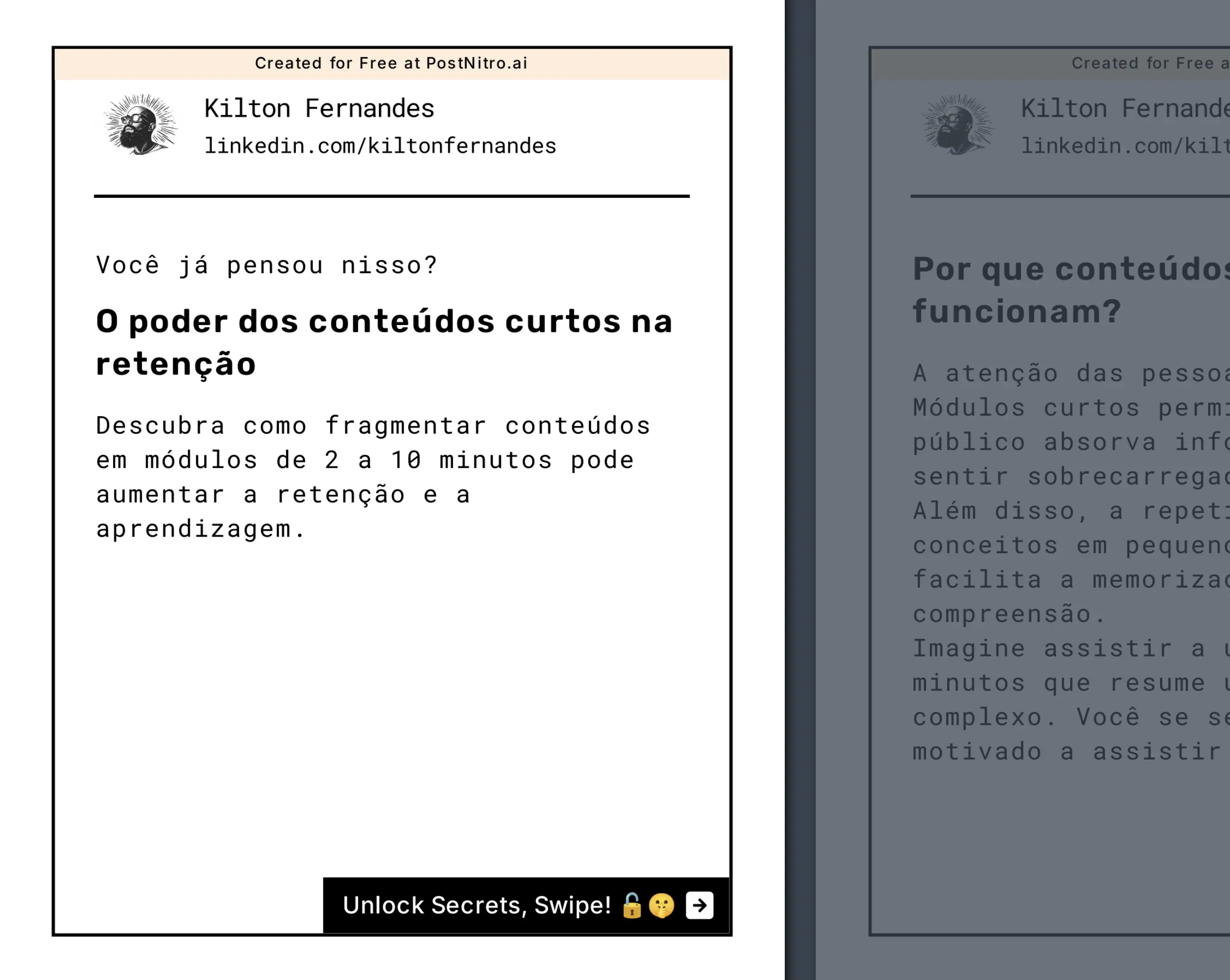
85,000+ professionals use PostNitro to create LinkedIn carousel PDFs that convert.
Create Your LinkedIn Carousel PDF Now1080×1350 (4:5) | PDF document posts | Your brand kit on every slide
Why Creators Post Carousels on LinkedIn
A carousel turns one idea into a sequence people swipe through, which gives a post more room than a single image. On LinkedIn it is a native document post: one PDF, one slide per page.
What a Carousel Gives You
- Room for a full argument, one point per slide
- A swipe-through format that pulls readers to the last slide
- A document people can save and come back to
Where It Fits Your Pipeline
- Turn a blog post, a URL or an X thread into slides
- Reuse the same deck on Instagram, TikTok, Threads, Facebook and Pinterest
- Keep every post on brand with one brand kit
Ideal Content Types
- Industry insights & trends
- Step-by-step tutorials
- Case study breakdowns
- Product demonstrations
What Makes a LinkedIn Carousel Work
One Point per Slide
Break a complex idea into short slides, so it is easy to follow on a phone.
Consistent Branding
Your fonts, colours and logo on every slide, so people recognise your posts before they read them.
Worth Saving
Checklists, frameworks and step-by-step guides are the carousels people save and reshare.
A Clear Next Step
End on a slide that tells readers what to do next: follow, comment, or visit a link.
Create Professional LinkedIn PDF Carousels in Minutes
LinkedIn-Optimized Design
Create carousel PDFs perfectly sized for LinkedIn's specifications, every time.
- Perfect PDF DimensionsAutomatically set to LinkedIn's optimal 1080x1350 carousel format.
- LinkedIn PDF ExportOne-click export to LinkedIn-ready PDF carousel format.
- Multi-Slide SupportUp to 20 slides per carousel on Team+ (5 on Free, 8 on Starter, 15 on Creator+).

Professional Design Tools
Access LinkedIn-specific design features for maximum impact.
- Brand Asset ManagementStore and apply your brand elements across all carousel PDFs.
- LinkedIn TemplatesChoose from templates optimized for LinkedIn engagement.
- Business Graphics LibraryAccess professional icons and layouts for LinkedIn posts.
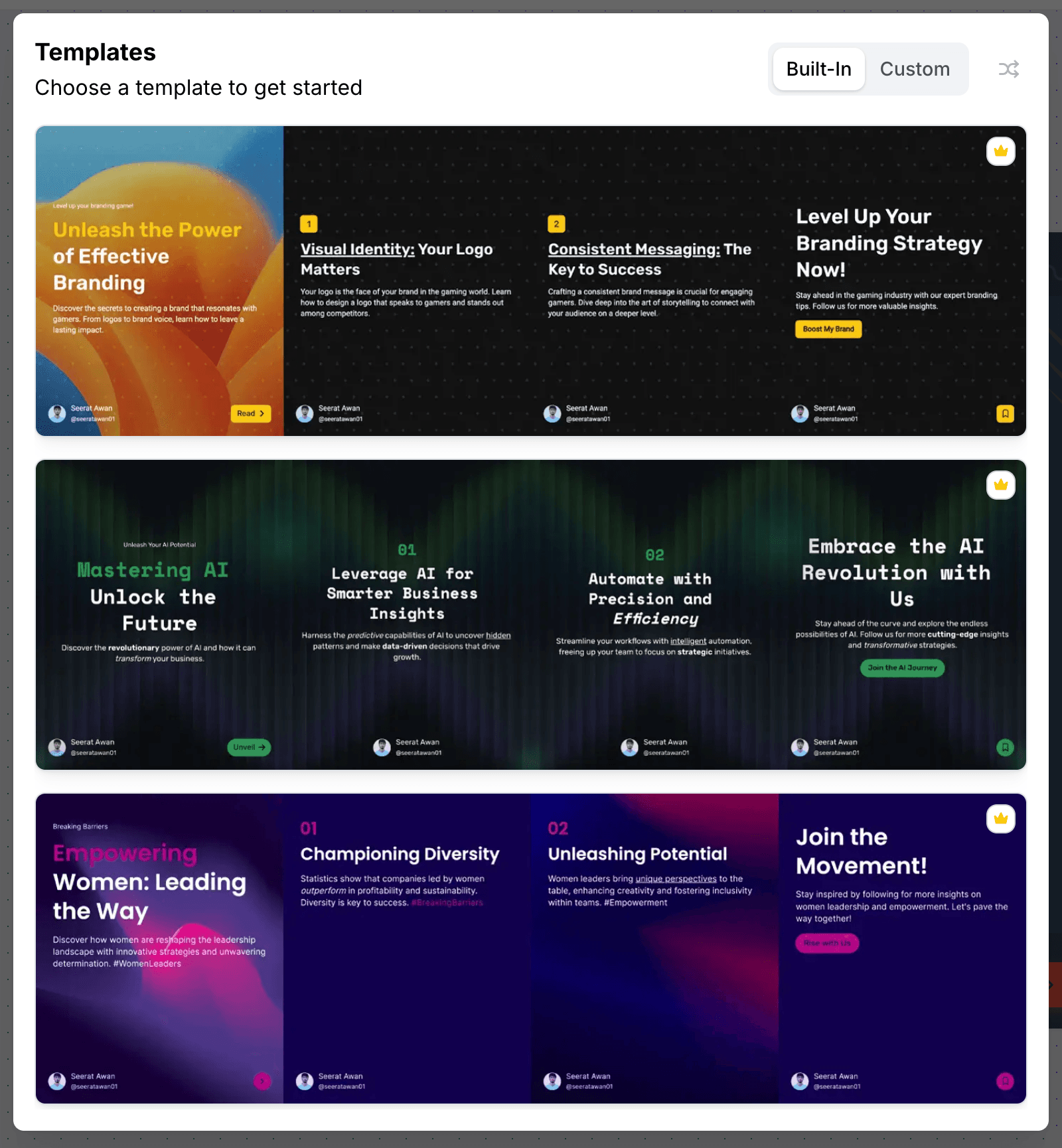
AI Carousel Generation
Let AI write and lay out the deck, then finish it by hand.
- A Layout for Every SlideAI picks a layout per slide, including infographic columns, counters and cycles.
- Content GenerationGenerate professional copy tailored for LinkedIn audiences.
- Freeform EditorDrag, resize and layer anything, then save the deck as a template.

Team Collaboration
Streamline your team's LinkedIn carousel creation process.
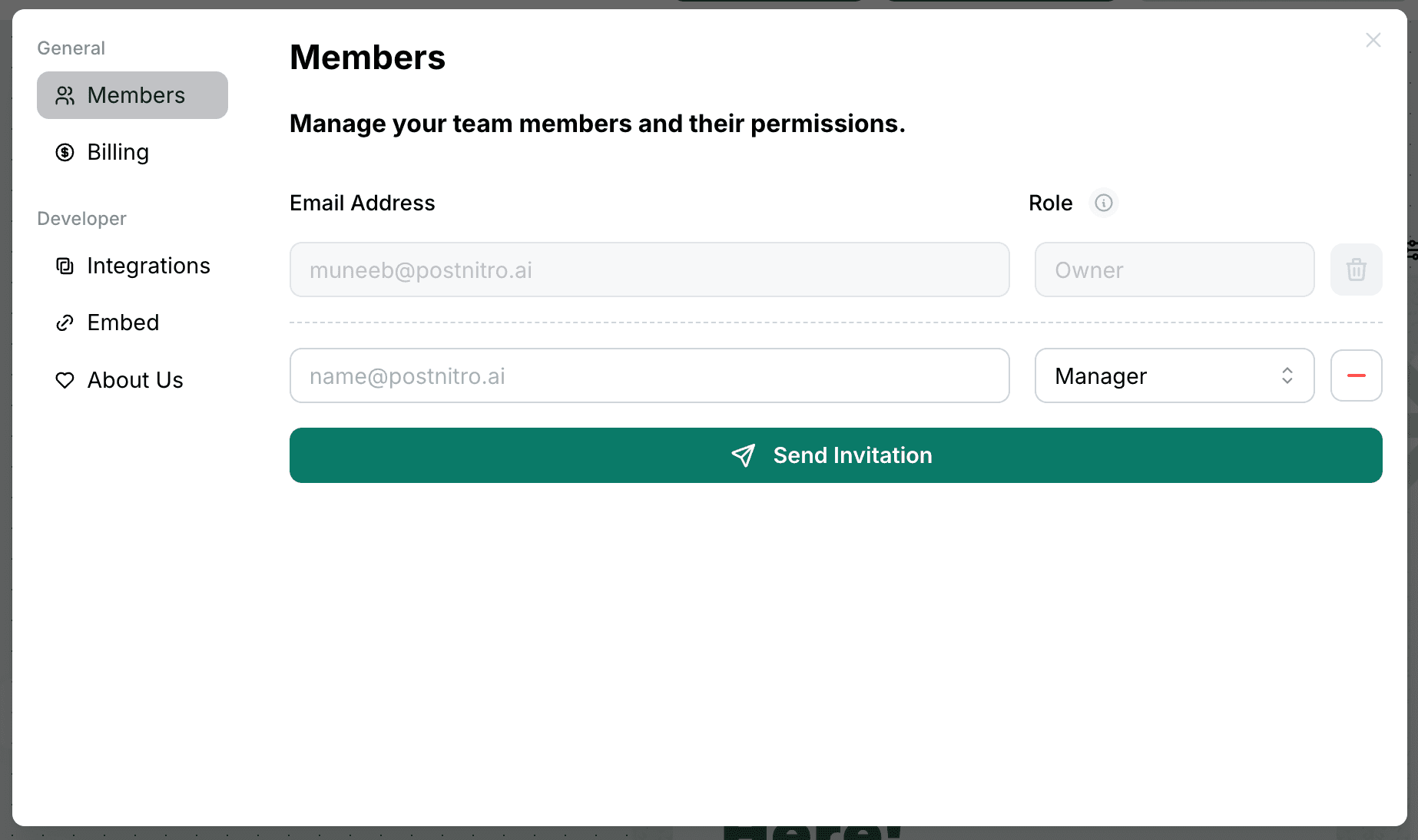
- Template SharingShare successful carousel templates across your organization.
- Asset ManagementCentralize brand assets for consistent carousel design.
- Workflow ManagementControl brand consistency across all team carousel posts.
LinkedIn Carousel Specs
| Format | A PDF document post, with one slide per page |
|---|---|
| Recommended size | 1080 × 1350 px (4:5 portrait), PostNitro’s default. Square 1080 × 1080 also works |
| Slides per carousel in PostNitro | 5 on Free, 8 on Starter, 15 on Creator+, 20 on Team+ |
| Document title | 5 to 90 characters, set when you schedule the post |
| Publishing | Scheduled and published natively as a document post from Creator+ ($30/month). On any plan, you can download the PDF and upload it yourself |
| Other LinkedIn formats | Single-image posts, and video posts of 5 to under 60 seconds |
How to Make a LinkedIn Carousel in PostNitro
- Start from a topic, a link or your own text. Type a topic, paste an article URL or an X thread, or bring slide-by-slide copy. AI writes and lays out the deck on your brand kit.
- Finish it in the freeform editor. Drag, resize and layer anything, switch layouts per slide, and let an image run across two slides.
- Publish or export. Schedule it as a LinkedIn document post from Creator+, or download the PDF and upload it yourself.
LinkedIn Carousel FAQ
The editor
A design tool built for one shape
Not a general canvas with a carousel preset bolted on. The editor is built around the 4:5 slide sequence — templates, curated font pairings, brand-kit colours and your own images, with the platform safe zones already accounted for.
From a blank slide to a scheduled post without leaving the editor.
Open the editor