Threads Carousel Maker
Design professional carousel posts for Meta's Threads platform using AI. Perfect dimensions, engaging layouts, and one-click publishing to grow your Threads audience.

85,000+ creators use PostNitro to build their social media presence.
Create Your Threads Carousel NowOptimized for Threads | 100+ templates | Your brand kit on every slide
Why Create Carousel Posts for Threads?
Threads shows multi-image posts as a swipeable row, so a carousel gives one post room for a full idea. PostNitro designs it on your brand kit and publishes it for you.
What a Carousel Gives You
- Room for a full idea in one post
- A swipeable row that stands out in a text-first feed
- The same deck you already made for Instagram or LinkedIn
Build Your Threads Audience
- Consistent posting grows your Threads following
- Professional design builds credibility
- Repurpose LinkedIn carousels for Threads instantly
- Cross-post content to Instagram simultaneously
Save Time with AI
- AI generates Threads content from any topic in seconds
- 100+ templates designed for multi-image posts
- Bulk create and schedule Threads carousels
- Templates and your brand kit do the design work
Grow on Meta's Platforms
- Threads integrates with Instagram for cross-posting
- Carousel posts work identically on both platforms
- One PostNitro workspace for all Meta content
- Schedule to Threads and Instagram simultaneously
PostNitro Threads Carousel Features
AI-Powered Content Creation
Enter a topic, URL, or text and PostNitro's AI generates a complete Threads carousel with content and professional design in seconds.
Threads-Optimized Templates
100+ templates designed for multi-image posts. Choose from professional, minimal, bold, and educational styles optimized for Threads' visual format.
Auto-Publish to Threads
Schedule Threads carousel posts and let PostNitro publish automatically. Build a consistent posting schedule without manual effort.
Cross-Platform Publishing
Create once and publish natively to Threads, Instagram, LinkedIn, TikTok, Facebook, and Pinterest, with an X-ready export too. Maximize your content's reach across all platforms.
Everything You Need to Create Threads Carousels
AI Carousel Generation for Threads
PostNitro uses GPT and Claude models to generate professional Threads carousel content from any topic, URL, or text. The AI creates both the content and the visual design — from the slide layout to the typography and color scheme.
- Topic-to-CarouselEnter any topic and get a complete multi-slide Threads post.
- URL-to-CarouselPaste any article or blog URL and PostNitro turns it into a Threads carousel.
- Text-to-CarouselConvert your own written content into a visually engaging carousel.
- AI Model ChoiceChoose from GPT-6 Astra, Claude Sonnet 5.5, or other AI models for content generation.

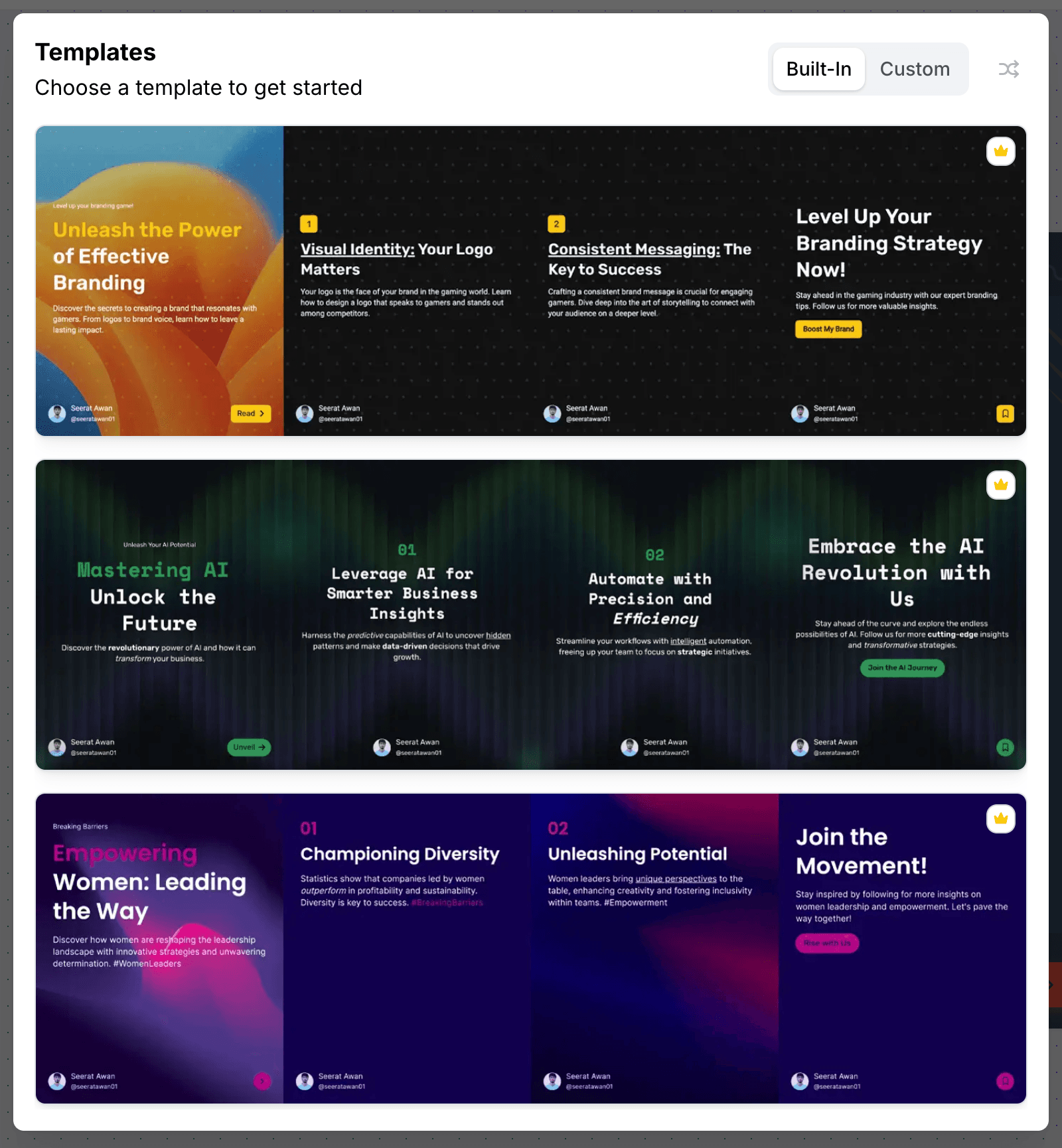
Professional Templates for Threads
Choose from 100+ professionally designed carousel templates. Filter by style, color, and industry. Every template is fully customizable with your brand fonts, colors, and logo using PostNitro's Brand Kit feature.
- 100+ TemplatesProfessionally designed templates for every style and industry.
- Brand KitsSave your fonts, colors, and logos for consistent branding across all carousels.
- Custom Colors & FontsFull customization control over every design element.
- PNG ExportExport individual slides as high-quality PNG images for Threads.
Schedule & Publish to Threads
Create your Threads carousel and schedule it to auto-publish at the optimal time. PostNitro's content calendar helps you plan your Threads posting schedule for weeks ahead, ensuring consistent presence on the platform.
- Auto-PublishingPostNitro publishes directly to Threads at your scheduled time.
- Content CalendarPlan your Threads posting schedule weeks ahead.
- Bulk SchedulingCreate and schedule multiple Threads posts at once.
- Best-Time SuggestionsGet recommendations for optimal Threads posting times.

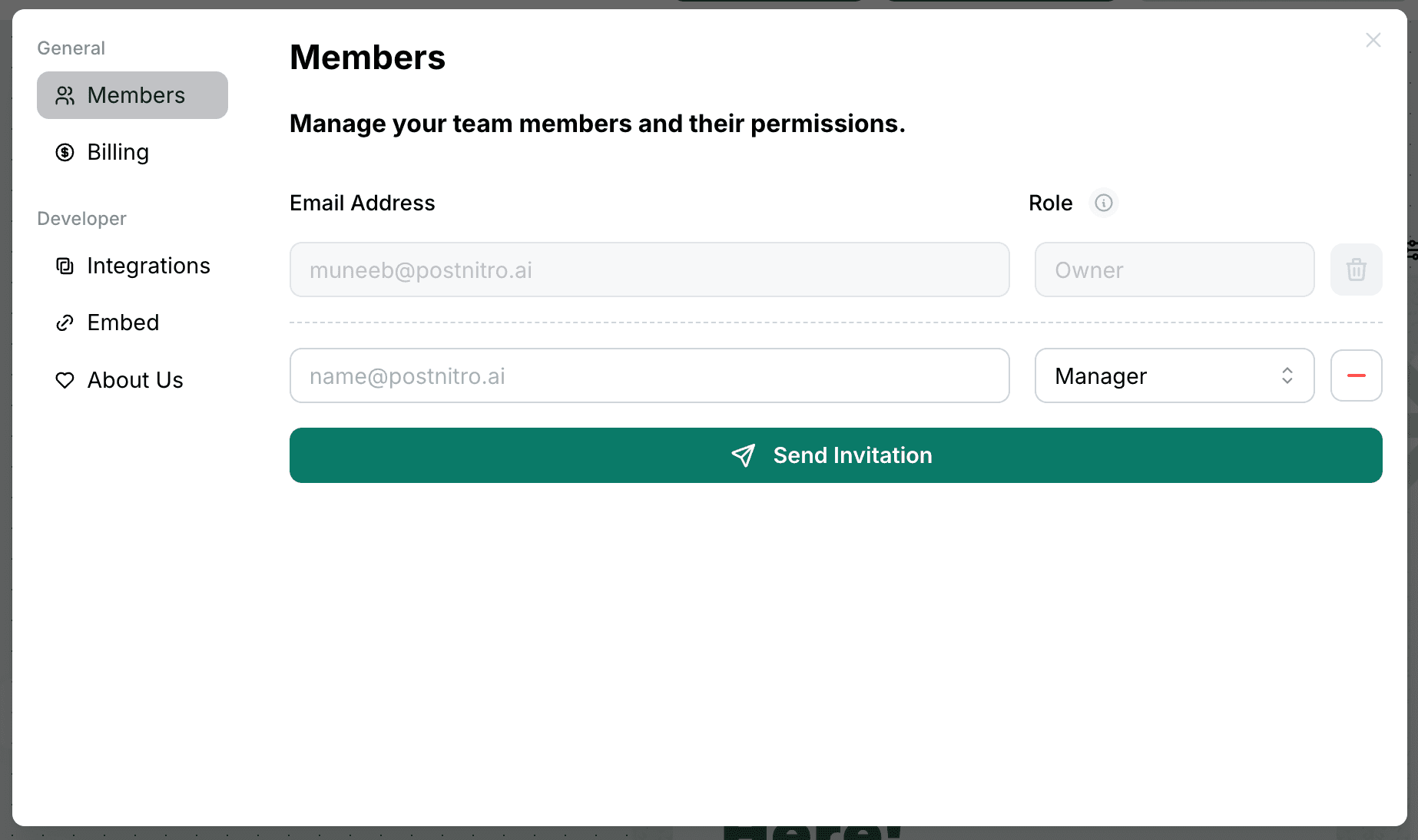
Team Collaboration for Threads Content
PostNitro's team features let agencies and marketing teams collaborate on Threads content. Multiple workspaces, approval workflows, and team member access make it easy to manage Threads content across clients and campaigns.
- Multiple WorkspacesOrganize Threads content across different clients or brands.
- Team AccessAdd team members with role-based access to your workspaces.
- Approval WorkflowsReview and approve Threads content before scheduling.
- Content LibrarySave and reuse successful Threads carousel templates.
Threads Carousel Specs
| Format | A carousel post of several images |
|---|---|
| Recommended size | 1080 × 1350 px (4:5) or 1080 × 1080 px (1:1) |
| Slides per carousel in PostNitro | 5 on Free, 8 on Starter, 15 on Creator+, 20 on Team+ |
| Publishing | Published natively from Creator+ ($30/month), as a carousel, an image or a reel |
Threads Carousel FAQ
The editor
A design tool built for one shape
Not a general canvas with a carousel preset bolted on. The editor is built around the 4:5 slide sequence — templates, curated font pairings, brand-kit colours and your own images, with the platform safe zones already accounted for.
From a blank slide to a scheduled post without leaving the editor.
Open the editor